Giving an eSIM as a Gift: How to Give Data for the Trip
Giving an eSIM as a gift: choose a plan, buy it and pass it on by email, WhatsApp or link with a personal message. Tips on phone, data amount and timing.
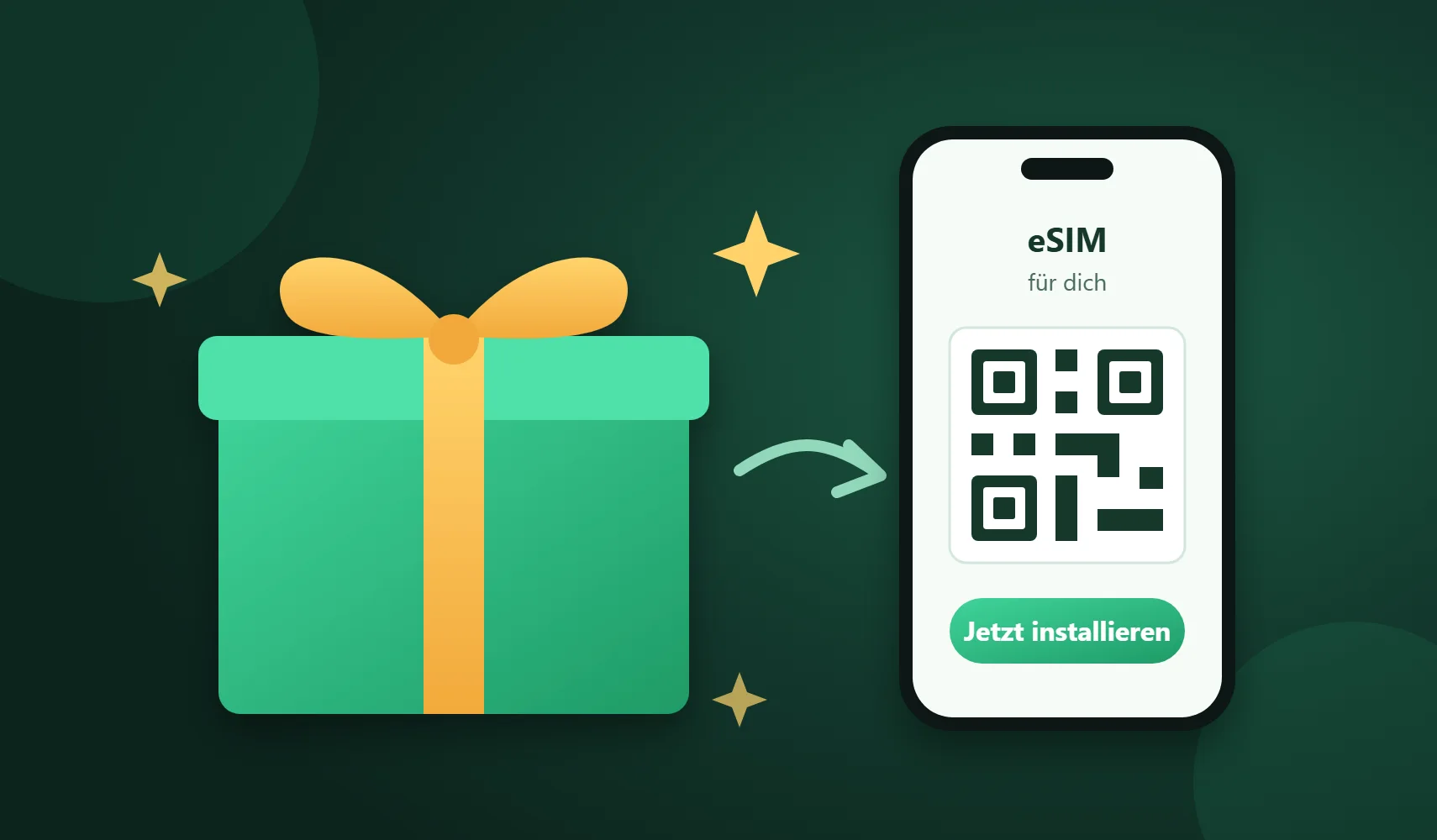
Short answer: You can give an eSIM as a gift by buying the right plan and passing the eSIM, which has not been installed yet, to the recipient by email, WhatsApp or link. At eSIMP this works with the “Share” function in your customer account: the recipient needs no account, gets a QR code and instructions on a page of their own, and you can add a personal message. Sharing costs nothing extra.
A gift for someone who is about to travel should be useful and arrive without effort. An eSIM does both: there is nothing to wrap and nothing to post, and the recipient is online right after landing. This guide shows how to give an eSIM as a gift, what to watch out for and when the right moment is.
Why is an eSIM a good gift?
- No shipping: The eSIM arrives digitally, even shortly before departure.
- Useful at once: Maps, messengers and translators work from the moment of landing, without hunting for Wi-Fi.
- For every budget: Small plans for a weekend are cheap, larger plans cover weeks.
- Fits many occasions: Birthday, farewell before a semester abroad, honeymoon or as an addition to a travel voucher.
To be honest, it is not a gift for everyone: the recipient’s phone must support eSIM and must not be SIM-locked. You check this beforehand, see step 1.
Give an eSIM as a gift in six steps
- Check the phone: Ask for the phone model and check it in the device check. A model without eSIM support or with a SIM lock is out.
- Clarify destination and duration: The eSIM is valid for one country or region. Ask where the trip goes and how long it lasts.
- Choose the data amount: The table below gives guide values, the data calculator works it out more precisely.
- Buy it, but do not install it: Buy the plan in your account and do not scan the QR code yourself. An eSIM can only be set up on one device.
- Tap “Share”: In your account you find the “Share” button on the eSIM. You confirm that it has not been installed yet, enter the recipient’s name and email address and, if you like, write a message of up to 300 characters. You also choose the language of the page: German, English or Turkish.
- Send: The recipient gets an email with the link, opens the page and installs the eSIM by QR code or, on an iPhone, with one tap. Alternatively you send the link yourself by WhatsApp or messenger.
More about the function, security and privacy is on the page Share an eSIM.
Which data amount suits which gift?
| Trip | Guide value | Matching page |
|---|---|---|
| Weekend or city break | 1 to 3 GB | 2 GB eSIM |
| A holiday week | 3 to 5 GB | 5 GB eSIM |
| Two weeks or round trip | 5 to 10 GB | 10 GB eSIM |
| Semester abroad or workation | 20 GB or more, long-stay plan | Long-stay eSIM |
These are guide values. Anyone who streams a lot or uses the phone as a hotspot needs more. If you are unsure, take one size larger. More in the guide How much data do I need on holiday?.
When should you give the eSIM?
The sharing link is valid for 14 days, and every eSIM has a deadline by which it must be installed. So buy the eSIM only once the travel dates are fixed and give it soon afterwards, ideally a few days before departure. If you want to hand it over on an occasion such as Christmas or a birthday, buy it shortly before and send the email on the day of the gift. If the link has expired and the eSIM has not been installed, you simply create a new one in your account.
What to keep in mind when giving an eSIM
- Do not install it yourself: Once the eSIM is set up on a device it can no longer be passed on.
- Link only to the right person: Whoever has the link can install the eSIM. If you made a mistake, you block the link in your account with one click.
- No gift voucher: At eSIMP you give the finished eSIM for a specific destination, not an amount. So you should know the destination.
- Privacy: eSIMP deletes the recipient’s name, email address and message automatically after 30 days. The email contains no access to your account.
Giving to several people
An eSIM profile runs on one device only. For a family or a group of friends you therefore buy one eSIM per person and pass each person their own. Tips on choosing are in the guide eSIM for family holidays.
Frequently asked questions about giving an eSIM
Can I give an eSIM as a gift?
Yes. You buy the eSIM, tap “Share” in your customer account and send it to the recipient by email, WhatsApp or link. This works as long as the eSIM has not been installed yet.
Does the recipient need an eSIMP account?
No. The link opens a page with a QR code, a direct link for iPhone and instructions. Only you as the buyer sign in.
Can I give a voucher or an amount?
No, eSIMP has no gift vouchers. You give the finished eSIM for a specific destination.
What if the recipient’s phone does not support eSIM?
Then they cannot use the eSIM. So check the model in the device check before buying and ask whether the phone has a SIM lock.
How long is the link valid?
The link is valid for 14 days. After that it only opens an error page. As long as the eSIM is not installed, you can create a new link.
Can I take the eSIM back if I made a mistake?
Yes, as long as it has not been installed: block the link in your account. The eSIM then still belongs to you and you can send it to the right person.
Conclusion
Giving an eSIM is simple: buy it, tap “Share”, write a personal message, done. Clarify phone, destination and duration beforehand so the gift really fits. You find matching plans under eSIM destinations, and the page Share an eSIM explains the function in detail.