eSIM on Cruises: Internet On Board and in Port
Does eSIM work on cruises? What works on land, what does not at sea, how to avoid roaming costs and the best strategy for ports.
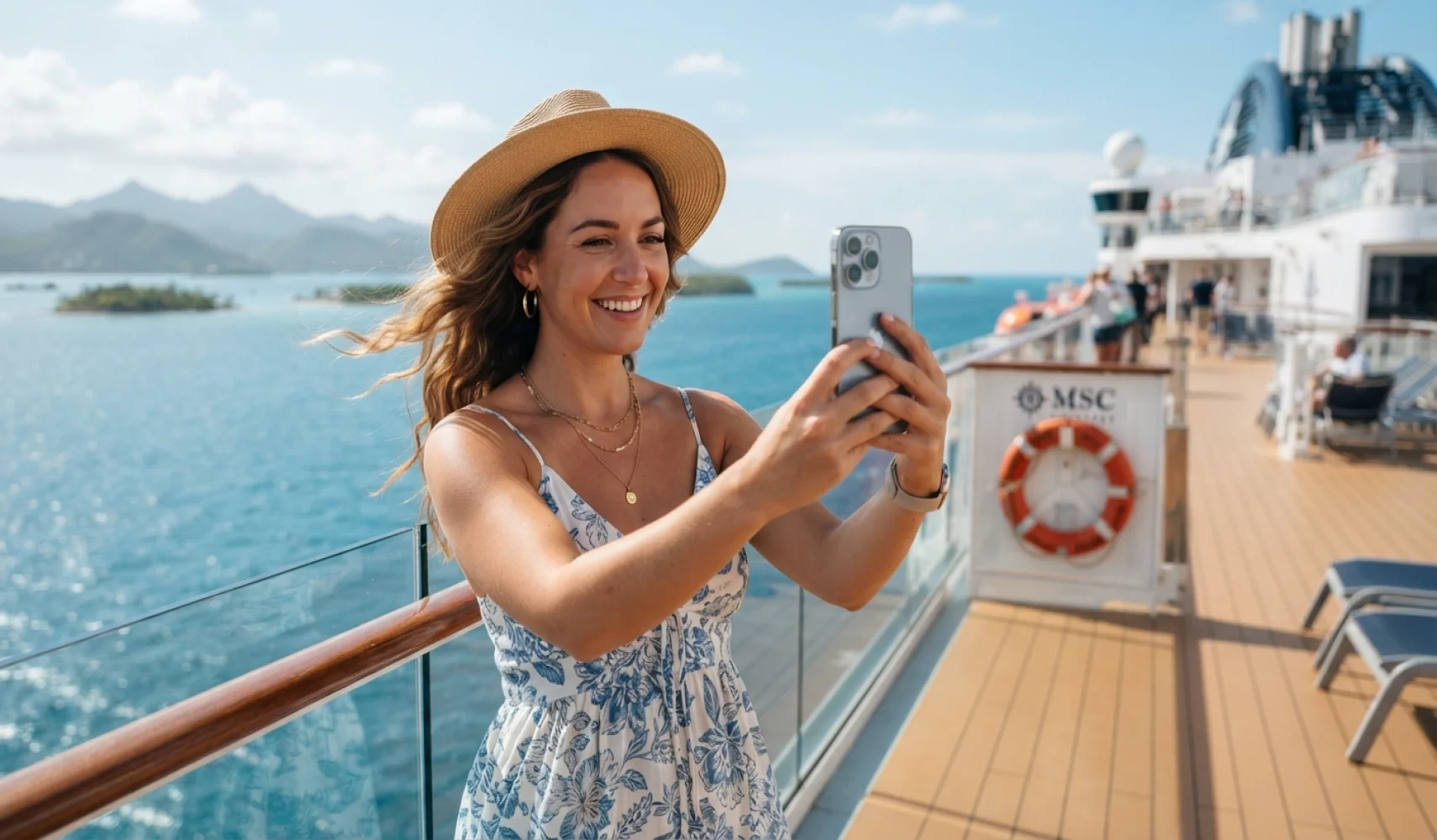
Short answer: On the open sea a normal country eSIM does not work, because it uses mobile networks on land. In port and near the coast, however, you are well covered with an eSIM for the respective country. On the ship itself your phone connects to expensive ship networks or the cruise line's on-board Wi-Fi. Important: consciously switch off automatic network selection and data roaming on the way so that no high costs arise.
A cruise means that on some days you are at sea and on others in a port. That is exactly what makes mobile internet complicated. This guide explains honestly what an eSIM can do on cruises, where its limits are and how to avoid cost traps.
How does mobile service work on a cruise ship?
Near the coast and in port your phone connects to the networks on land. On the open sea these networks do not exist. Many ships therefore operate their own mobile services connected via satellite. Your phone can automatically log into these ship networks; billing then usually runs through your provider's roaming plan and can be very expensive. This is the biggest cost trap on cruises.
What an eSIM can and cannot do on cruises
| Situation | Does a country eSIM work? | Recommendation |
|---|---|---|
| Arrival and airport | Yes, in the country the plan applies to | eSIM for the country or home SIM |
| In port and on shore excursions | Yes, if the plan covers the country | eSIM for the port country or a multi-country plan |
| Near the coast | Partly, depending on reception | Do not rely on it |
| On the open sea | No, no land network | Airplane mode and on-board Wi-Fi if booked |
Important to know: eSIMP offers country and global plans for networks on land. There are no special maritime plans for use at sea. Our eSIMs are therefore ideal for the port days and shore excursions, not for the days at sea.
Avoiding cost traps: how to protect yourself from high roaming bills
- Airplane mode at sea: Activate airplane mode and then only switch on Wi-Fi if you want to use the on-board Wi-Fi.
- Switch off automatic network selection: Choose the network operator manually or deactivate automatic selection so that your phone does not log into a ship network.
- Home SIM data roaming off: Switch off roaming for your normal SIM if you do not need it.
- Stop background data: Deactivate automatic app updates, cloud sync and mobile data for apps running in the background.
- Ask your provider: Before the trip ask your mobile provider whether and how it bills maritime connections, or block them.
The best strategy for cruises
- At sea: Airplane mode, book the cruise line's Wi-Fi package only if needed and download content beforehand.
- In port: Switch on the eSIM for the port country, for example for Spain, Italy, Greece or Croatia.
- Several countries in a week: Choose a plan that covers all countries on your route, or a global plan under Global eSIM. At the plan you see which countries are included.
- Shore excursions: Download offline maps, travel guides and tickets beforehand. That way you need less data on the way.
How much data do you need on land?
For a port day with navigation, photos, messengers and a translator, a small package is often enough. On a cruise with several ports within one to two weeks, 5 to 10 GB is usually sufficient for the shore visits if you do not depend on the network at sea. If you stream a lot or share with several people, plan more. You find suitable plans under eSIM destinations.
Setting up an eSIM for the cruise
- In the phone check check whether your device supports eSIM.
- Buy the eSIM(s) for your port countries or a suitable multi-country plan and install them at home over Wi-Fi. The steps are in the guide to eSIM activation.
- Leave the eSIM's mobile data switched off until the port.
- In port activate the eSIM for mobile data and data roaming of this line; at sea switch back to airplane mode.
Frequently asked questions about eSIM on cruises
Does an eSIM work on the ship?
Not on the open sea, because no land networks are available. In port and near the coast an eSIM for the respective country works. On board you use the cruise line's Wi-Fi or airplane mode.
How do I avoid high costs from ship networks?
Switch on airplane mode at sea, deactivate automatic network selection and the home SIM's data roaming and stop background data. If needed ask your provider for a block on maritime connections.
Which eSIM do I need for a Mediterranean cruise?
Either one eSIM for each port country or a plan that covers several countries on your route. Check the country list at the plan before you buy.
Can I use WhatsApp on the ship?
Yes, via the on-board Wi-Fi if you have booked an internet package from the cruise line. Via the eSIM it works in port if mobile data is switched on.
Conclusion
An eSIM is a good addition on cruises for port days and shore excursions, but not a solution for the days at sea. With airplane mode, manual network selection and a suitable country plan you avoid expensive surprises. Here you find all eSIM destinations, and more answers are in our FAQ.